Best AI Content Moderation Tools in 2026: A Simple Guide
Quick answer: AI content moderation tools help businesses and online communities detect harmful text, images, videos and other unwanted content. They use AI to flag content for review and help moderation teams work faster. Tools such as OpenAI Moderation, Azure AI Content Safety, Amazon Rekognition and Sightengine support different moderation needs.
Best AI Content Moderation Tools in 2026: A Simple Guide
Online platforms receive thousands of comments, messages, images and videos every day. Some content may contain spam, hate speech, threats, inappropriate images or other harmful material. Checking everything manually can take a lot of time.
This is where AI content moderation tools can help. They use artificial intelligence to check user content and identify material that may break a platform's rules.
In this guide, we will look at four AI content moderation tools, their main features, common uses and important limitations. This will help businesses, developers and online community owners understand which type of tool may suit their needs.
Businesses looking for more software solutions can explore the AI tools directory on SurfAI to discover tools for different business needs.
What Are AI Content Moderation Tools?
AI content moderation tools are software services that help detect and review unwanted content on websites, apps and online platforms.
They can analyse different types of content, such as:
Text messages and comments
Uploaded images
Videos
Live-stream content
Audio and spoken content, where supported
For example, an online community may receive a comment containing abusive language. A moderation tool can analyse the text and flag it for review.
These tools do not always make the final decision. A human moderator may still need to review difficult cases and decide what action should be taken.
How Does AI Content Moderation Work?
Most AI moderation systems follow a simple process.
Content submission: A user posts a comment, image or video.
AI analysis: The moderation service checks the submitted content.
Risk detection: The system identifies possible harmful categories.
Review: The content is allowed, blocked or sent to a human moderator based on the platform's rules.
Final action: The platform decides whether to approve, remove or restrict the content.
The exact process depends on the software and how the business configures it.
4 AI Content Moderation Tools to Explore
Here are four tools with different features and use cases. This is not a performance ranking. The right option depends on your content type, budget, technical needs and moderation policy.
1. OpenAI Moderation
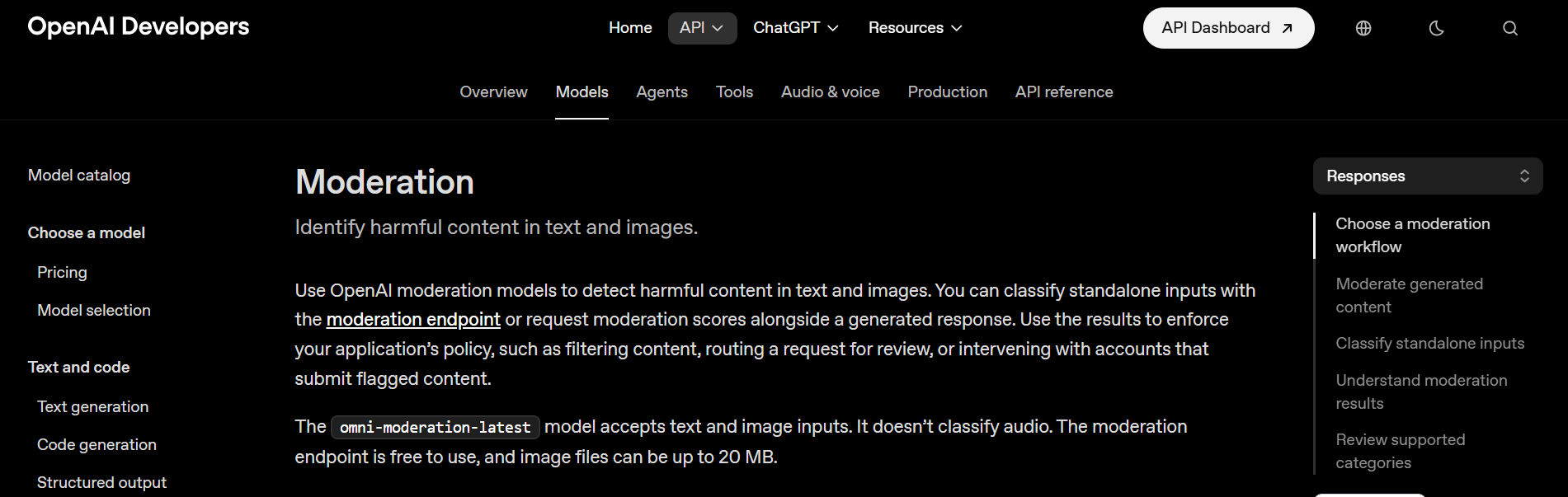
OpenAI Moderation is an API that helps developers identify potentially harmful content in text and images.
It returns moderation results, including flagged categories and category scores. Developers can use these results to decide whether content needs further review.
Key features:
Checks text and image inputs.
Identifies categories such as hate, harassment, violence and self-harm.
Returns category flags and confidence scores.
Can be used to screen content before showing it to users.
Supports moderation workflows for AI applications.
Best for: Developers building AI applications, chatbots and platforms that need text and image safety checks.
Important limitation: The current moderation model does not classify audio. Its results should also be reviewed in the context of your own platform rules.
Official website: https://developers.openai.com/api/docs/guides/moderation
2. Microsoft Azure AI Content Safety
Microsoft Azure AI Content Safety helps businesses identify harmful user-generated and AI-generated content.
It provides text and image analysis APIs. Developers can use these services to add safety checks to applications and online platforms.
Key features:
Text content analysis.
Image content analysis.
Detection of sexual content, violence, hate and self-harm.
Different severity levels for detected content.
Content Safety Studio for testing and exploring moderation features.
Best for: Businesses and developers who already use Microsoft Azure or need moderation services for applications and online communities.
Important limitation: Language support and service availability can vary by feature. Check Microsoft's current documentation before implementation.
Official website: https://learn.microsoft.com/en-us/azure/ai-services/content-safety/overview

3. Amazon Rekognition
Amazon Rekognition is an AWS service that can analyse images and videos to identify inappropriate or unwanted visual content.
It can help businesses review large amounts of uploaded media and identify content that may need human attention.
Key features:
Image moderation.
Stored video moderation.
Detection of inappropriate visual content.
Moderation labels in API results.
Custom moderation options for specific image requirements.
Best for: Businesses that manage user-uploaded images and videos, such as social platforms, media companies and online marketplaces.
Important limitation: Rekognition's content moderation feature focuses on visual media. It is not a complete text moderation solution by itself.
Official website: https://docs.aws.amazon.com/rekognition/latest/dg/moderation.html
4. Sightengine
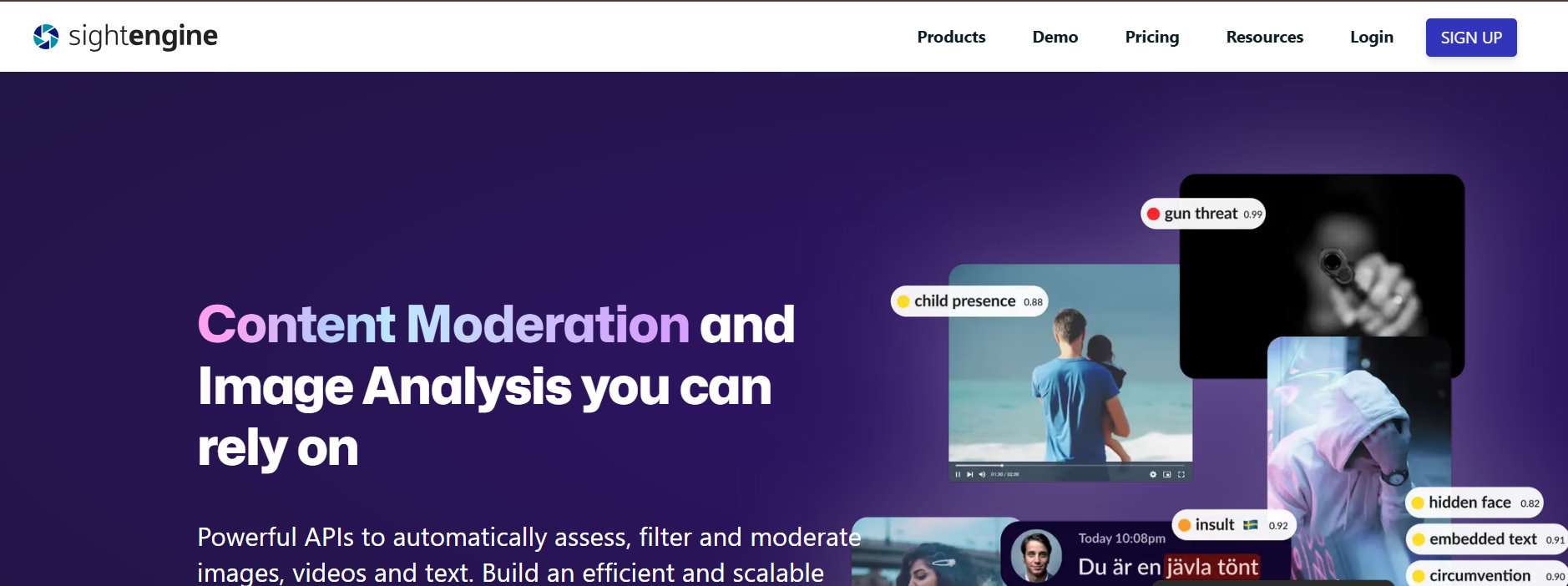
Sightengine provides content moderation APIs for businesses that need to check different types of online media.
Its documentation covers text, images, GIFs, videos, live streams and audio moderation features.
Key features:
Image moderation.
Text moderation.
Video and live-stream moderation.
Audio moderation.
OCR and QR code moderation.
Different detection options for unwanted content.
Best for: Businesses and developers who need moderation across multiple content types.
Important limitation: Available features, language support and usage limits depend on the selected API and plan. Check the official documentation and pricing before choosing it.
Official website: https://sightengine.com/docs/moderate
Comparison of AI Content Moderation Tools
Tool | Text | Images | Video | Main use |
|---|---|---|---|---|
OpenAI Moderation | Yes | Yes | Not listed | AI applications |
Azure AI Content Safety | Yes | Yes | Check feature support | Business applications |
Amazon Rekognition | Not its main moderation feature | Yes | Yes | Image and video review |
Sightengine | Yes | Yes | Yes | Multi-format moderation |
The table describes documented capabilities, not independent accuracy test results.
Key Features to Check Before Choosing a Tool
Choosing a moderation tool is not only about the number of features. You should check whether it supports the content your platform receives.
1. Text Moderation
If your platform receives comments, reviews or messages, look for tools that can identify harmful language, spam and unwanted messages.
2. Image Moderation
Image moderation can help identify inappropriate or unwanted visual content uploaded by users.
3. Video Moderation
Platforms that receive video uploads may need tools that can analyse video content or selected frames.
4. Custom Rules
Different platforms have different community guidelines. Check whether the tool allows you to adjust detection settings or use custom rules.
5. Human Review
AI systems can make mistakes. A good moderation process should allow human moderators to review difficult or unclear cases.
6. API Integration
If you want to connect a moderation service to your website or app, check its API documentation, supported programming languages and integration requirements.
Benefits of AI Content Moderation
AI moderation tools can help businesses in several ways.
Save time: Automatically check large amounts of content.
Support moderators: Help human teams find content that needs attention.
Improve response workflows: Flag potentially harmful content for faster review.
Handle more content: Support platforms as their user base grows.
Apply consistent rules: Use configured moderation policies across user submissions.
However, these benefits depend on the quality of the system, its configuration and the type of content being checked.
Limitations of AI Content Moderation
AI moderation is useful, but it is not perfect.
It may incorrectly flag harmless content.
It may miss harmful content.
Sarcasm and context can be difficult to understand.
Language support can vary.
Some services require technical knowledge to integrate.
Businesses must consider privacy and data-handling requirements.
For these reasons, AI should support human moderation rather than replace all human decisions.
Free vs Paid AI Content Moderation Tools
Some moderation services offer free access or free usage tiers, while others charge based on usage or subscription plans.
Before selecting a service, check:
Free usage limits.
Monthly request limits.
Image and video processing charges.
API access.
Storage and data policies.
Support options.
Do not select a tool only because it offers free access. Check whether it can handle your actual workload.
How to Choose the Right AI Moderation Tool
Follow these steps before making a decision.
Identify the type of content on your platform.
Decide whether you need text, image, video or audio moderation.
Check the tool's supported languages.
Review API documentation and integration requirements.
Test the service with sample content.
Check false positives and missed detections.
Compare pricing and usage limits.
Create a human review process for sensitive cases.
A small website may need only basic text moderation. A large community with image and video uploads may need a more complete moderation system.
Frequently Asked Questions
What is an AI content moderation tool?
It is software that uses AI to identify potentially harmful, inappropriate or unwanted content on websites, apps and online platforms.
Can AI moderation detect harmful comments?
Yes. Several moderation services can analyse text and flag categories such as harassment, hate or other unwanted language. Results depend on the tool and its supported categories.
Can AI tools moderate images and videos?
Yes. Some services support image and video moderation. For example, Amazon Rekognition supports visual moderation, while Sightengine documents image, video and other moderation APIs.
Is AI content moderation always accurate?
No. AI systems can make mistakes. Human review is important for sensitive cases and content where context matters.
Which AI moderation tool is best for a small business?
There is no single best option for every business. Compare the content types supported, technical requirements, free usage limits and pricing before choosing.
Do I need coding knowledge to use these tools?
Some tools offer dashboards or testing interfaces, but API integration usually requires development knowledge. Check each provider's available setup options.
Final Thoughts
AI content moderation tools can help businesses and online communities manage unwanted content more efficiently. OpenAI Moderation, Azure AI Content Safety, Amazon Rekognition and Sightengine offer different features for different needs.
Before selecting a tool, understand your requirements, test its results and review its pricing. Most importantly, keep human moderators involved in important decisions.
For more software guides and comparisons, visit the SurfAI Blog
Research and official documentation
OpenAI Moderation: https://developers.openai.com/api/docs/guides/moderation
Microsoft Azure AI Content Safety: https://learn.microsoft.com/en-us/azure/ai-services/content-safety/overview
Amazon Rekognition: https://docs.aws.amazon.com/rekognition/latest/dg/moderation.html
Sightengine: https://sightengine.com/docs/moderate